
Tutorial
How to Login toBasant Club
A complete visual guide showing you exactly how to login to Basant Club on your mobile device. Follow each step carefully for a smooth login experience.
Open Basant Club
Launch the Basant Club app on your Android device, or visit basantclub.app in your mobile browser. Make sure you have a stable internet connection before proceeding.

Navigate to Login Page
Tap the 'Login' button at the top of the screen or on the homepage. You'll be redirected to the secure login form where you can enter your credentials.
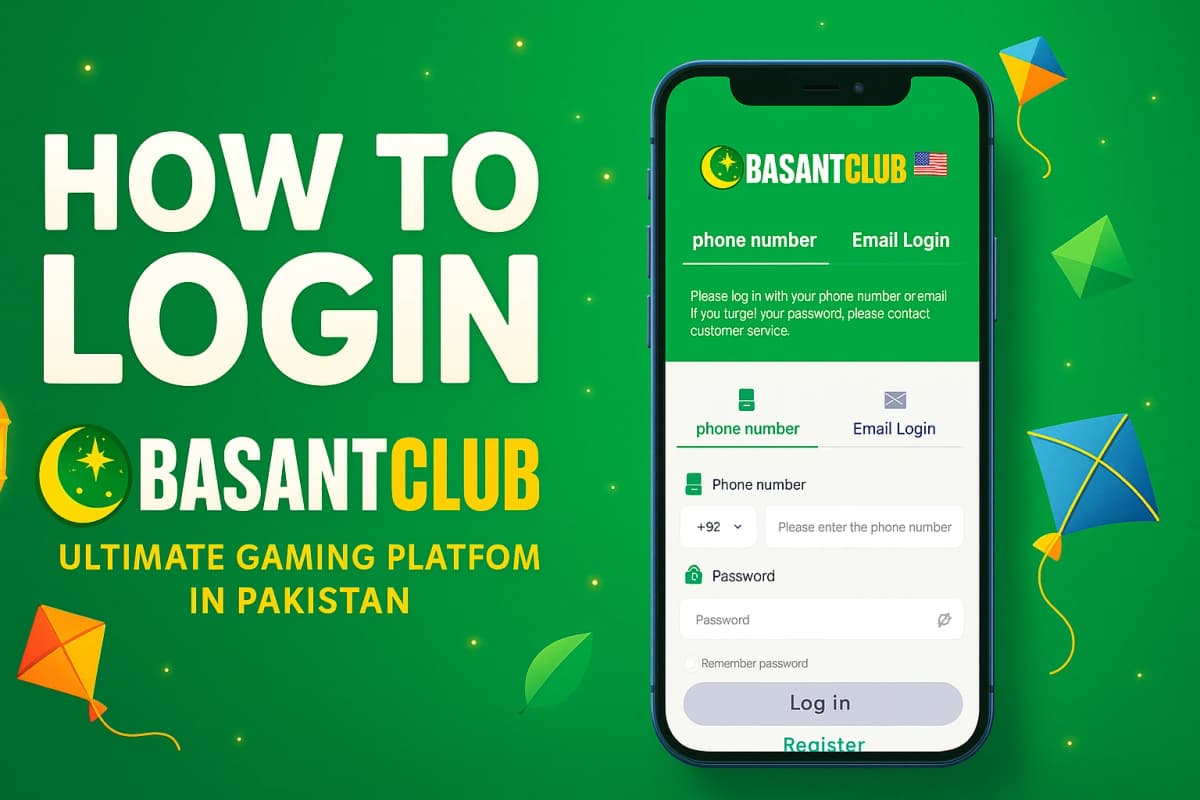
Enter Your Account Details
Type your registered username or phone number in the first field, then enter your password. Make sure the password is entered correctly — it is case-sensitive.

Tap Login & Access Dashboard
Press the login button and wait for verification. Once authenticated, you'll be taken directly to your account dashboard where you can manage your profile and access all features.

Login Tips for Mobile Users
Always use the latest version of Basant Club for the best login experience.
Save your login credentials in your browser for faster access next time.
Use a strong password with a mix of letters, numbers, and symbols.
If you forget your password, use the recovery option on the login page.
Make sure your internet connection is stable before attempting to login.
Clear your browser cache if you experience persistent login issues.